1、换源
使用nano模板编辑文件
nano /etc/apt/sources.listnano常用快捷键
Ctrl + G:打开帮助菜单
Ctrl + O:保存文件
Ctrl + X:退出 nano。如果对文件做了修改,它会询问你是否要保存更改。
Ctrl + K:剪切光标所在的行
Ctrl + U:粘贴
Ctrl + C:显示光标位置
Ctrl + _:撤销更改
Alt + Y:重复上一个操作
Ctrl + R:插入文件内容
Ctrl + \:设置标记
Ctrl + 6:跳转到标记位置
Alt + A:光标移至行首
Alt + E:光标移至行尾
Alt + B:光标后退一个单词
Alt + F:光标前进一个单词
Ctrl + W:搜索文本
Alt + W:保存当前文件内容为另一个文件
全部删除并添加阿里云镜像,阿里云镜像站
deb https://mirrors.aliyun.com/debian/ bookworm main non-free non-free-firmware contrib
deb-src https://mirrors.aliyun.com/debian/ bookworm main non-free non-free-firmware contrib
deb https://mirrors.aliyun.com/debian-security/ bookworm-security main
deb-src https://mirrors.aliyun.com/debian-security/ bookworm-security main
deb https://mirrors.aliyun.com/debian/ bookworm-updates main non-free non-free-firmware contrib
deb-src https://mirrors.aliyun.com/debian/ bookworm-updates main non-free non-free-firmware contrib
deb https://mirrors.aliyun.com/debian/ bookworm-backports main non-free non-free-firmware contrib
deb-src https://mirrors.aliyun.com/debian/ bookworm-backports main non-free non-free-firmware contrib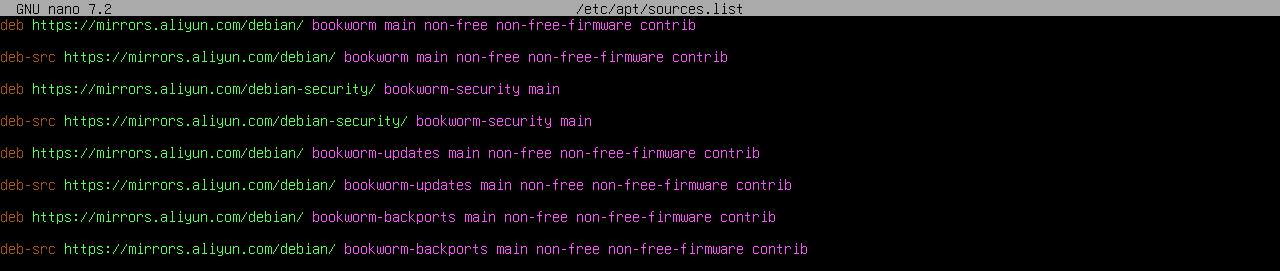
保存退出后更新
apt update2、安装sudo
apt-get install sudo3、安装curl
sudo apt-get install -y curl4、允许root用户登录
安装OpenSSH
sudo apt-get install openssh-server修改sshd_config配置文件
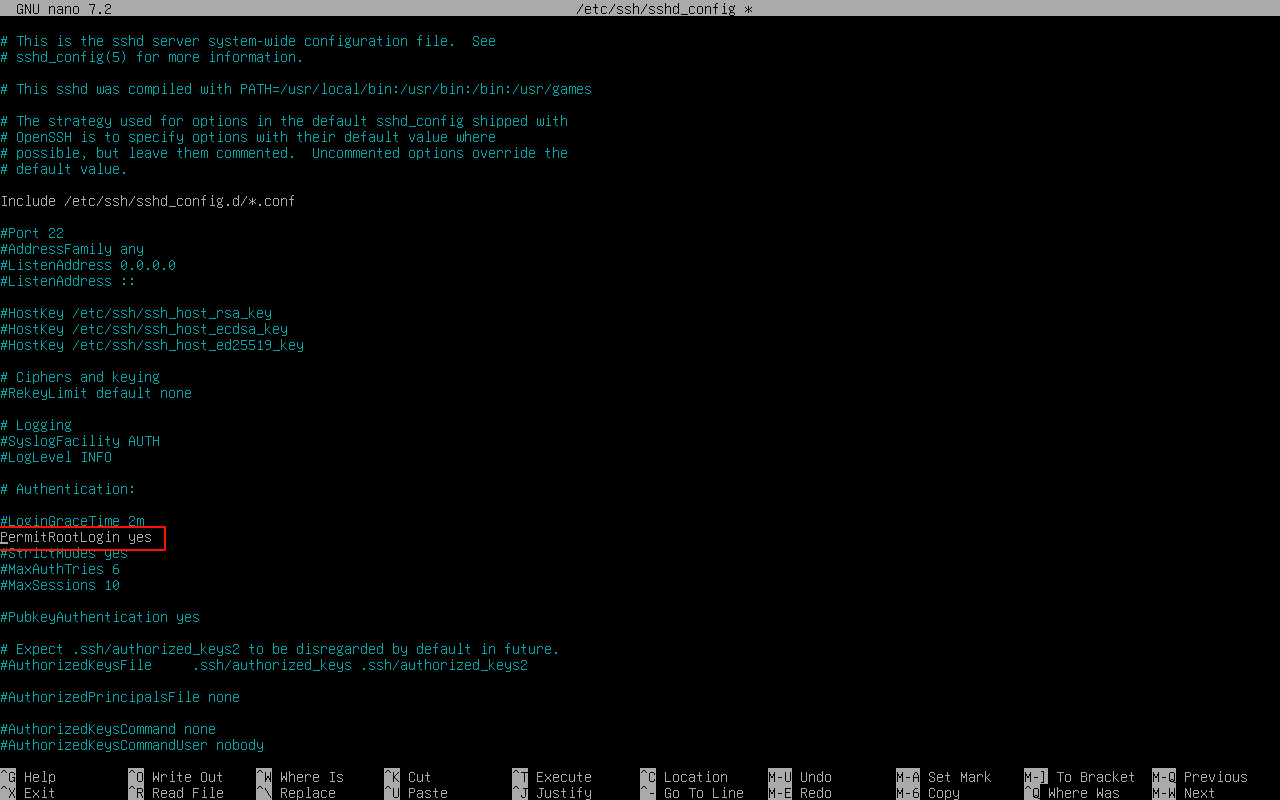
执行nano /etc/ssh/sshd_config,将PermitRootLogin行前面的#注释去掉,并把后面的** prohibit-password **改为yes。这样就可以允许root用户登录了。接着我们执行systemctl restart ssh重启ssh服务,使配置生效。